The user story we hear most often
As a research lab head, or an AI-native technical founder, I need my ML team to provision GPU compute in minutes, not weeks. Without shipping research data or customer prompts to a public cloud. I want to start with a small cluster we can afford on day one, and scale to hundreds of GPUs as we bring more workloads online, without rebuilding the platform every time.
This use case documents the exact reference architecture we deploy for those teams. It starts at 5 nodes (a real production tier, not a demo), scales cleanly to 100+, and is built entirely from open source components with no cloud lock-in.
Why on-prem GPU, in 2026
The market changed. Three things happened at once:
- GPU rental costs at hyperscalers are 3-5x the cost of owning the hardware over a 24-month horizon. Running an H100 on AWS is ~$4/hour on demand. The same H100 amortized over 24 months on your own rack is under $1/hour all-in.
- The EU Data Act Chapter VI phase-out (full switching charge ban January 12, 2027, covered in our EU Data Act post) makes the "no lock-in" story enforceable, not aspirational.
- The open-source ML stack is genuinely production-ready. NVIDIA GPU Operator, KServe, Ray, and KubeRay together give you the abstractions Vertex AI and SageMaker charge for.
If your workloads are training runs, batch inference, agentic serving, or research pipelines, on-prem is not a nostalgic choice anymore. It is the economically rational one.
The architecture, at 5 nodes
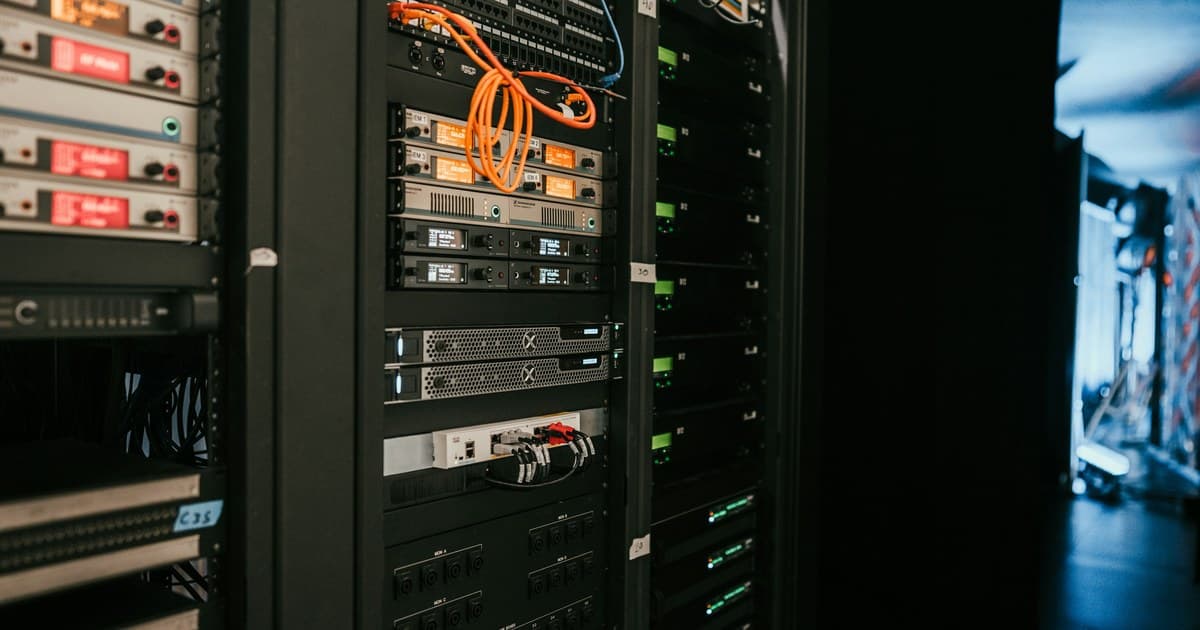
The day-one cluster is small enough to sit in a single rack and large enough to run real production ML.
| Role | Count | Spec | Purpose |
|---|---|---|---|
| Control plane | 3 | 8 vCPU / 32 GB / 500 GB NVMe | HA etcd, API server, scheduler |
| GPU worker | 2 | 32 vCPU / 256 GB / 2 TB NVMe / 4x H100 80GB (or 8x L40S) | Training + inference workloads |
Networking: 1x 100 GbE spine, per-node 25 GbE, dedicated management VLAN. For distributed training add RDMA-capable NICs (ConnectX-6 or better). This is the difference between multi-node training running at 40% efficiency versus 90%.
Storage: local NVMe on each worker for scratch, a 3-node Rook/Ceph tier for RWX volumes and persistent state, plus an S3-compatible object tier (MinIO) for datasets and model checkpoints.
Software layer:
| Layer | Component | Why this |
|---|---|---|
| Distro | Vanilla Kubernetes via kubeadm, or Talos Linux for immutable-OS discipline | Cloud-Kubernetes-flavour lock-in is exactly what we are avoiding |
| CNI | Cilium | eBPF-based, best-in-class network policy + observability, native BGP for MetalLB pairing |
| Load balancer | MetalLB in L2 or BGP mode | Bare-metal-native LoadBalancer service without a cloud LB dependency |
| GPU management | NVIDIA GPU Operator | Driver, container toolkit, DCGM exporter, MIG manager, node-feature-discovery. All managed as one Helm release |
| GPU partitioning | MIG (Multi-Instance GPU) | Slice one H100 into up to 7 isolated instances so a single GPU serves multiple small inference workloads without wasted VRAM |
| ML platform | KServe + Ray + KubeRay | KServe for inference, Ray for distributed training, KubeRay as the operator that ties Ray clusters to Kubernetes |
| GitOps | ArgoCD | Cluster state defined in git, every change auditable, every rollback one commit away |
| Provisioning | Terraform + Cluster API | Terraform for the base infra, Cluster API for node lifecycle at scale |
| Observability | Prometheus + DCGM Exporter + Grafana + Loki | GPU utilization, memory, thermals, per-workload attribution |
What the GPU layer actually gives you
The NVIDIA GPU Operator is the piece that makes bare-metal GPU Kubernetes practical. Without it, GPU cluster ops means manually installing the right NVIDIA driver on every node, keeping it in sync with the container toolkit, and debugging kernel-module mismatches every time a node reboots. With the operator, all of that is a Helm release that reconciles itself.
The specific pieces the operator manages, all as first-class Kubernetes resources:
- NVIDIA driver DaemonSet. The right driver for the detected GPU, deployed consistently across all GPU nodes
- Container toolkit. The runtime shim that makes
nvidia.com/gpua schedulable resource - DCGM Exporter. GPU telemetry (utilization, memory, power, temperature, ECC errors) exposed as Prometheus metrics
- Node Feature Discovery + GPU Feature Discovery. Automatic labels on each node describing what GPU model, memory, compute capability, MIG mode
- MIG Manager. Declarative MIG partitioning; you specify the profile per node and the operator reconciles the hardware
- GPU Operator validator. Health checks that fail fast if a node has a broken GPU config
For MIG specifically: an H100 with MIG enabled can be sliced into up to 7 isolated compute instances, each with its own SM allocation, memory, and cache. That means one $30K GPU can serve 7 concurrent small-model inference workloads with hardware-level isolation, which is closer to how a hyperscaler bin-packs GPU serving than how a naive Kubernetes deployment would.
The ML platform layer
The ML platform layer sits on top of GPU scheduling and gives ML engineers a self-service interface. Two operators do the work: KServe for model inference, KubeRay for distributed training. Once GPUs are schedulable resources, researchers submit jobs and deploy models through these operators without touching the underlying infrastructure.
KServe. The inference layer. Deploy a trained model as an InferenceService resource, KServe handles autoscaling to zero, canary rollouts, batching, and multi-framework serving (PyTorch, TensorFlow, ONNX, HuggingFace, custom). It integrates directly with the cluster's GPU pool via standard resource requests. For LLM serving specifically, KServe now supports vLLM as a first-class backend, so an OpenAI-compatible endpoint is one YAML file away.
Ray + KubeRay. The training and distributed compute layer. A Ray cluster is a set of pods (a head node + workers) that gives you distributed Python: pipeline parallelism, data parallelism, tensor parallelism, hyperparameter sweeps, RLHF loops. KubeRay is the operator that lifecycle-manages Ray clusters on Kubernetes so a researcher submits a Ray job and the platform handles pod scheduling, GPU assignment, and cleanup. Ray Serve gives you a second option for model serving alongside KServe, useful when your inference is more like an agentic pipeline than a single-forward-pass.
For teams that need pipeline orchestration and experiment tracking on top of this, Kubeflow Pipelines and MLflow both drop in cleanly. Not required for day one.
The scale path: 5 → 20 → 100 nodes
The 5-node cluster is not a smaller version of the 100-node cluster. It runs the same operators, the same GitOps, the same observability. What changes as you scale is capacity and a few architectural details.
5 → 20 nodes. Add GPU workers as needed. The control plane stays at 3 nodes. Rook/Ceph stays at 3 storage nodes but with additional OSDs per node as you add drives. Cilium moves from L2 announcement mode to BGP for the LoadBalancer tier. This is a config change, not a rearchitecture.
20 → 100 nodes. Two structural changes land here:
- Node lifecycle moves from Terraform-only to Cluster API. At 100 nodes you cannot afford to
terraform applyevery node addition. Cluster API gives you a Kubernetes-native controller that reconciles node pools declaratively. You say "I want 40 H100 nodes in this pool," CAPI provisions them. - RDMA-optimized networking becomes mandatory. Multi-node training at this scale needs GPUDirect RDMA over InfiniBand or RoCEv2. This is a hardware and driver-configuration decision, not just a scheduling one.
At every scale, the developer-facing surface stays identical: engineers submit jobs, request GPUs, deploy inference services through the same manifests. That is the point of the abstraction.
What we deploy on day one
Day-one deployment runs 4 weeks end to end. Week 1 covers hardware audit and the first control-plane installation. Week 4 covers the observability tier and handoff to the operations team. Detailed timeline:
| Timeline | Milestone |
|---|---|
| Week 1 | Hardware audit, network design, first control-plane installation, GPU driver validation |
| Week 2 | Full 5-node cluster, GPU Operator deployed, Rook/Ceph online, ArgoCD bootstrapped |
| Week 3 | KServe + Ray/KubeRay operators, first inference service deployed, first training job run |
| Week 4 | Observability tier (Prometheus, Grafana, DCGM dashboards, Loki), on-call runbooks, handoff |
By the end of the 4-week engagement, the cluster is running production workloads, the operations team can operate it, and the growth path to 100 nodes is documented and rehearsed.
What we help with beyond the initial deployment
Reference architectures are a good starting point but not a substitute for production experience. Common ongoing work:
- GPU workload right-sizing. Deciding when MIG partitioning saves money vs when a full-GPU allocation is the right call
- Multi-tenancy and isolation. RBAC, namespace quotas, and network policies for research teams sharing the same cluster
- Cost attribution. Per-project GPU-hour tracking so labs can budget properly
- Model catalog and model registry. Connecting the cluster to an MLflow or a Hugging Face-hub-mirror
- Compliance layers. HIPAA, PDPL, GDPR audit trails on top of the platform
- Air-gapped operation. For research and healthcare environments where the cluster has no internet egress at all
For how we approach on-premises Kubernetes generally, see our InfraOps service. For how we think about ML-specific platform work, see our MLOps service. For the multi-cloud version of this same problem (when on-prem is not the right call), see our CloudOps service.
If you are planning a GPU cluster build, whether it is your first 5-node dev tier or a scale-up from an existing platform, book a free 30-minute infrastructure call. We will read your current architecture, tell you what we would keep, and be direct about what we would rebuild.